Download
The engine first, then the app
One download. The engine that reads your work ships inside the app, so there is no Python to install, no repository to clone and no terminal to open.
For an assistant to read
Settings → Assistants lists the clients it finds on the machine — Claude, Claude Code, Cursor, Windsurf, VS Code — and connects any of them with one button; nothing else is needed. The bundle below is for clients that install extensions themselves: it carries the same read-only server, and it reads the mind the app builds rather than replacing it.
Windows
Both the engine and the window run on Windows. The installer carries its own Python and asks for no administrator rights. At the end of a short setup the Coredence window opens, and first-time setup happens there, in the window’s own screen.
The installer is not code-signed, so Windows will say the publisher is unknown. Its SHA-256 is in the release notes, next to the file itself. If you would rather not install anything, coredence-windows-2.1.4.zip carries the same engine. The mind lives in %USERPROFILE%\.coredence — the same single directory the Mac uses, in the same format, so a mind consolidated on one machine can be carried to the other.
What it thinks with
Reading your work needs a language model, and the download does not include one — a model that could do this is larger than the app and would still be somebody’s to pay for. So the first screen asks where it should think, and every answer keeps the work on your machine:
Claude Code, if you already have it
Detected automatically. It runs on the subscription you are already paying for, and costs nothing extra.
Your own API key
Anthropic or OpenAI. The key is stored beside your mind, in your home directory, and the calls go from your machine to your provider.
Any OpenAI-compatible server
OpenRouter, Groq, or similar.
A model running on your own machine
With Ollama installed, `coredence model ollama`. No key, and no text leaves the computer. In return it is slower — a window takes minutes rather than seconds — and finds fewer memories; as a mind grows, the memory list stops fitting a local model's context. A real way to start, and thin once a mind has matured.
There is one more option: a Coredence plan, where we run the model. It is there for people with no account anywhere, and it is chosen on purpose rather than by default. Even then the consolidation stays on your machine; only the model call passes through the server, never the mind. That sale is not open yet.
The first run
It finds what the machine already holds — Claude Code and ChatGPT histories, notes, git repositories — and reads only what you leave switched on. The first pass takes a few minutes; after that it keeps up on its own.
What you get
A thin mind, and that is correct
The engine holds back anything it has seen once. A first consolidation produces fewer memories than you expect, and the number grows as the traces do.
Some memories will be wrong
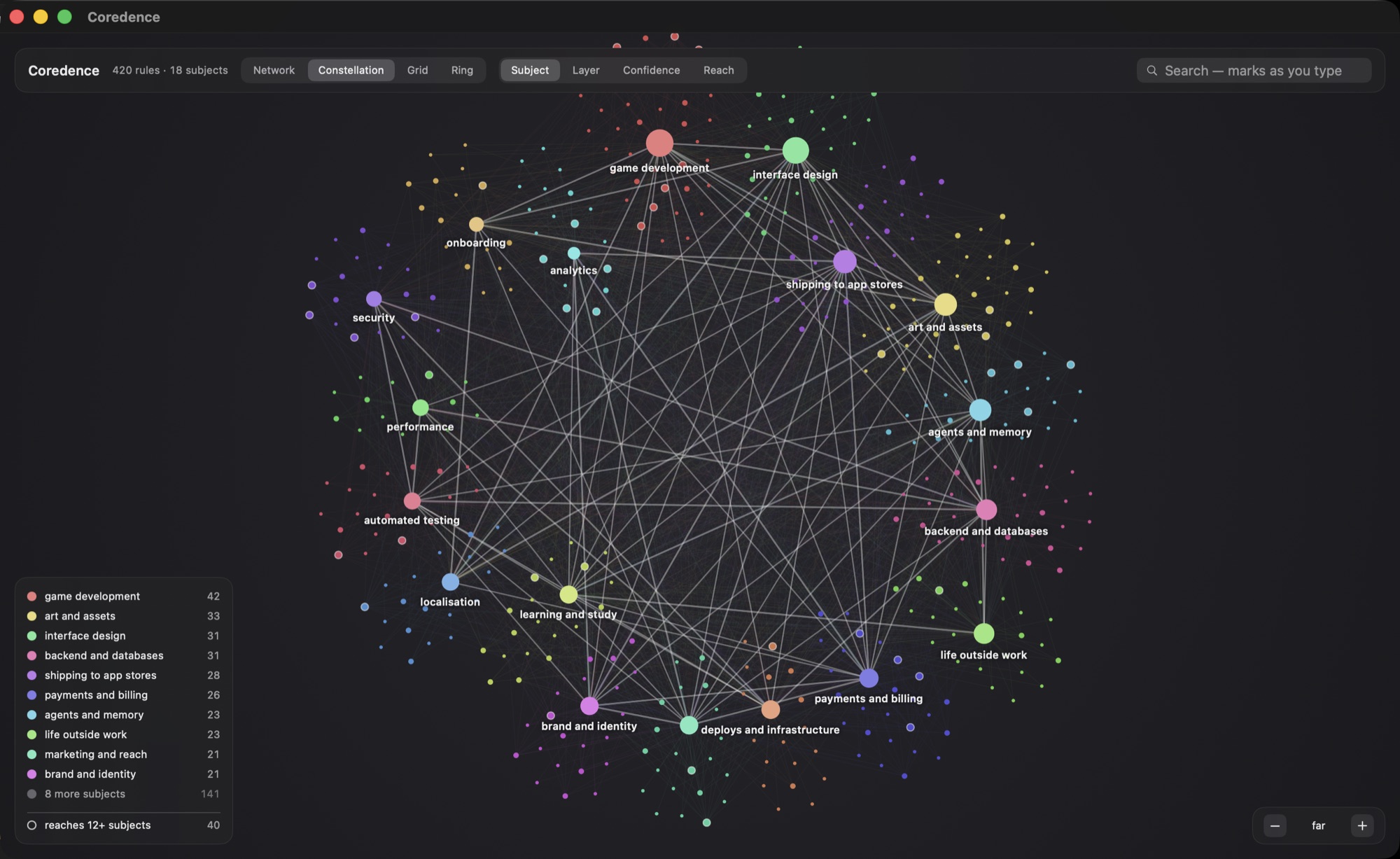
Open one, read the traces it grew from, and hide it or answer the question the engine raised. That loop is the product.
Connecting it to an assistant is yours to do
The app builds the mind and shows it to you; which assistant gets to read it is your call. The Assistants tab is one button.
Verifying the build
Every release is signed with a Developer ID certificate, built with the hardened runtime, and notarised by Apple with the ticket stapled to the disk image. You can check any copy yourself before you open it — the commands are on the security page.